
WHO IS IT FOR?
Students, makers, and security beginners who want hands-on practice — not slide decks.
 PHANTOM
GITHUB
PHANTOM
GITHUB
DIY · HANDHELD · EDUCATIONAL
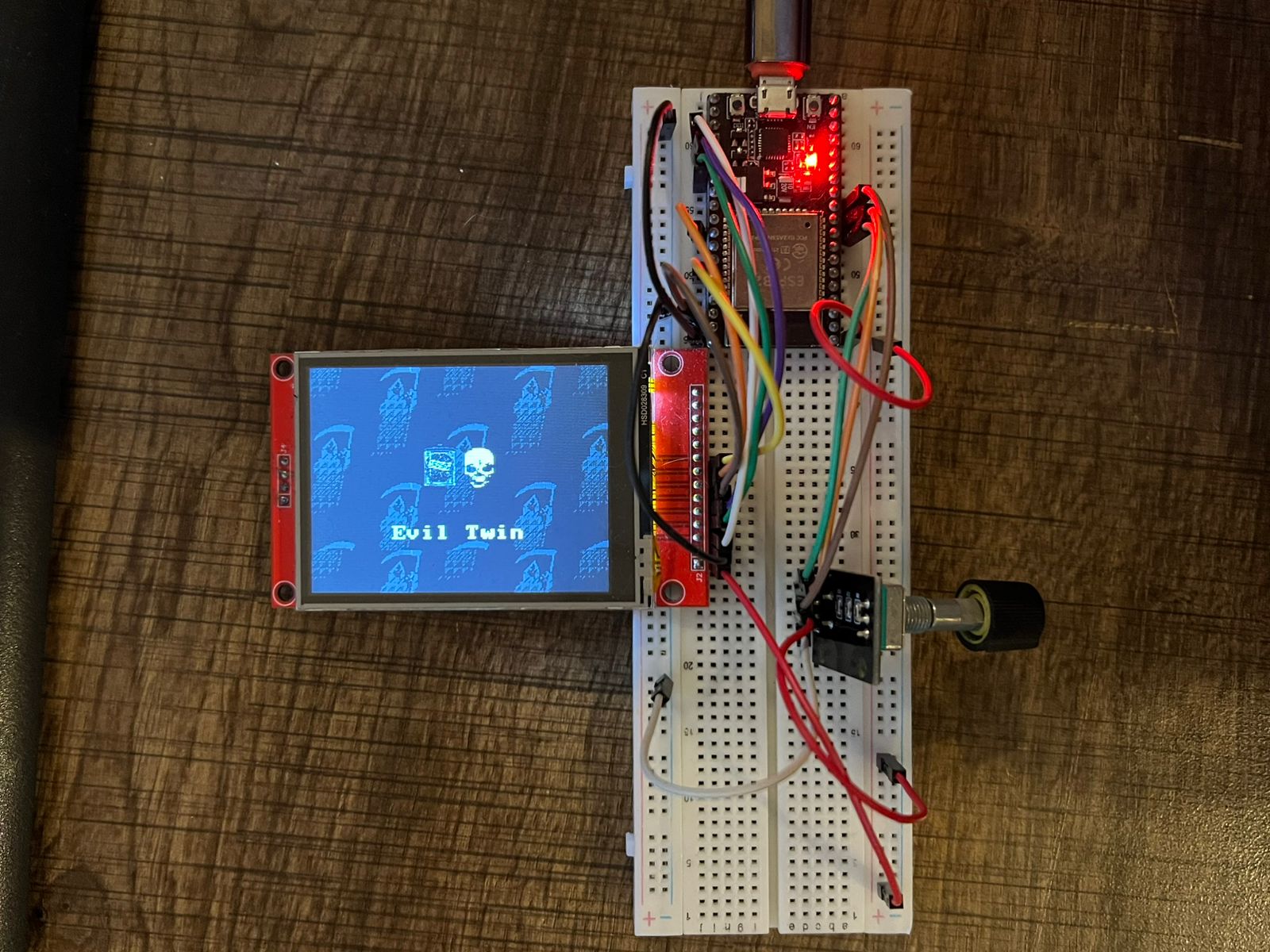
Phantom is a small gadget you build yourself — a screen, a twist knob, and open-source firmware. Explore fake WiFi hotspots, phone pairing demos, and Bluetooth behavior in a lab you control.

FOR LEARNING ONLY. Use on networks and devices you own, or with written permission. Misuse can be illegal. Read the full disclaimer before you build.
THE IDEA
A pocket-sized learning tool for people curious about WiFi and Bluetooth security — not a black-box hacker toy. You wire the parts, flash the firmware, and see how common attack demos actually work under the hood.
Students, makers, and security beginners who want hands-on practice — not slide decks.
A used ESP32 board (~$4), a rotary knob (~$1), a small TFT screen (~$5), plus jumper wires and a breadboard you may already own. No soldering for the starter build.
Not a plug-and-play weapon. Not for public WiFi, strangers' phones, or anything without clear permission.
PARTS ONLY
Ready-made wireless lab gadgets often cost $100–$300+. Phantom is three cheap modules and free firmware — about $10 if you shop used boards and budget screens.
IN PLAIN ENGLISH
Working demos today, plus room to grow. Tap a category on the knob menu — submenus look like this on the TFT.
Spin up a look-alike WiFi network and a login page — see how captive portals fool people.
WORKING
Pair as a wireless keyboard, send test popups to your own phone, clone nearby device ads.
WORKING
Check memory, storage, and load right on the screen while you experiment.
WORKING
Network scanning, remote control stubs, and other menu slots are placeholders for future work.
SOONYOUR TURN
READ THIS
Phantom is for education and research. It teaches how wireless systems behave — not how to harm people.